


Switch to Capitec Business Banking
We’ll help you move your debit orders to your Capitec Business Banking Account – it’s simple, secure and free.
We’ll help you move your debit orders to your Capitec Business Banking Account – it’s simple, secure and free.
Gain better control of your cash flow with expert support every step of the way.
Follow these easy steps to move your debit orders:
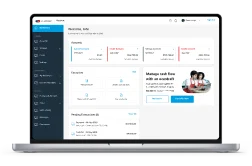
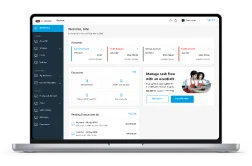
Moving your debit orders to Capitec simplifies your cash flow management. You’ll get real-time tracking, better visibility of your finances, and everything in one place.
Just complete our online Debit Order Switching Request Form, or call 0860 30 92 50 to speak to our Business Bank Client Care team. We’ll contact your service providers and take care of the transition.
To begin the switch, you’ll need:
Most debit orders are moved within 2 to 8 weeks, depending on your service providers. We'll keep you updated throughout the process.
No. We carefully coordinate the transition to avoid double debits. However, we recommend keeping funds in both accounts during the switch.
If a debit fails, we’ll notify you and help you reprocess it. We also suggest informing your service providers ahead of time to help prevent any issues.
Switching is completely free for Capitec Business Bank clients. Please note: A minimum fee of R3 may apply for the monthly service.