


Open a business account
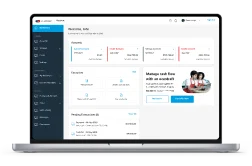
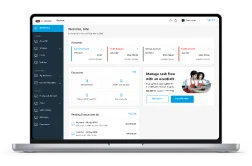
Download our app to open your Business Banking Account from anywhere without visiting a Business Centre.
Download our app to open your Business Banking Account from anywhere without visiting a Business Centre.
You don’t need to visit a branch or activate the app to open an account for your business. Simply download our app to get started.
To start a new application:
To resume an application: